
Customer Portal changelog
Publish release notes for your product inside its Customer Portal. These entries belong to your app; UserGist release notes describe changes to UserGist itself.
Write an update
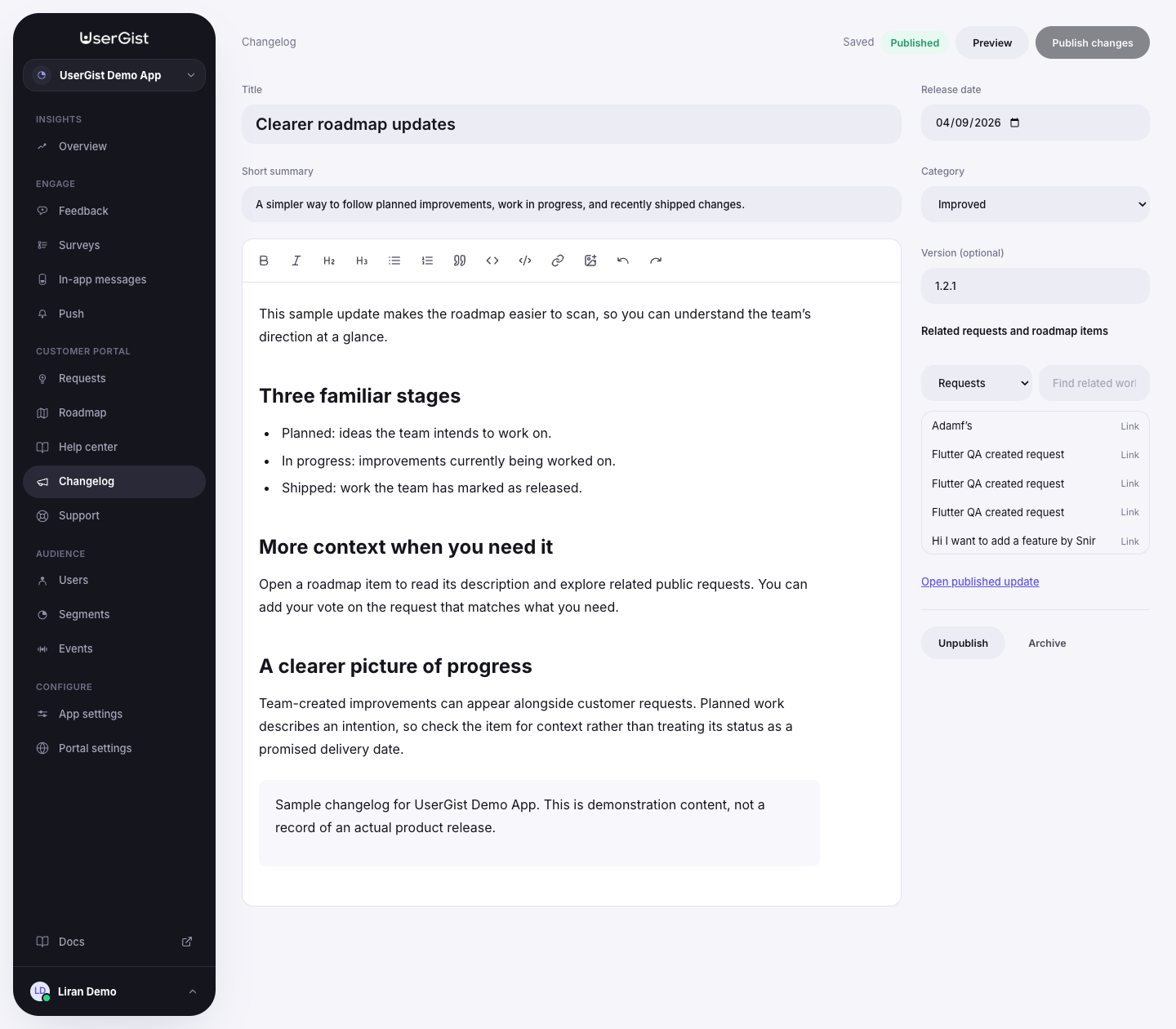
Open Customer Portal → Changelog and create a new entry. Add:
| Field | Purpose |
|---|---|
| Title | The change customers should notice; up to 160 characters |
| Short summary | A concise introduction; up to 280 characters |
| Content | The explanation, instructions, images, and links |
| Release date | The date of the release |
| Category | New, Improved, or Fixed |
| Version | Optional version label; up to 40 characters |
| Related requests and roadmap items | Connect the release to work in this app |
The editor supports headings, lists, quotes, code blocks, links, and image uploads. Choose a PNG, JPG, or WebP image smaller than 8 MB and add useful alternative text.
You can also start from a shipped roadmap item using Write a changelog. It prepares a draft with the item's title and link; you still write and publish the release note.
Save, preview, and publish
The editor saves draft changes automatically and shows Saving, Saved, or an error. Wait for a saved state before leaving. Preview shows the private draft.
Choose Publish when the update is ready. The portal must be published, the app included, and portal content available. Give the entry a title and content, and use today or an earlier release date. Scheduled publication is not implemented; a future release date cannot be published.
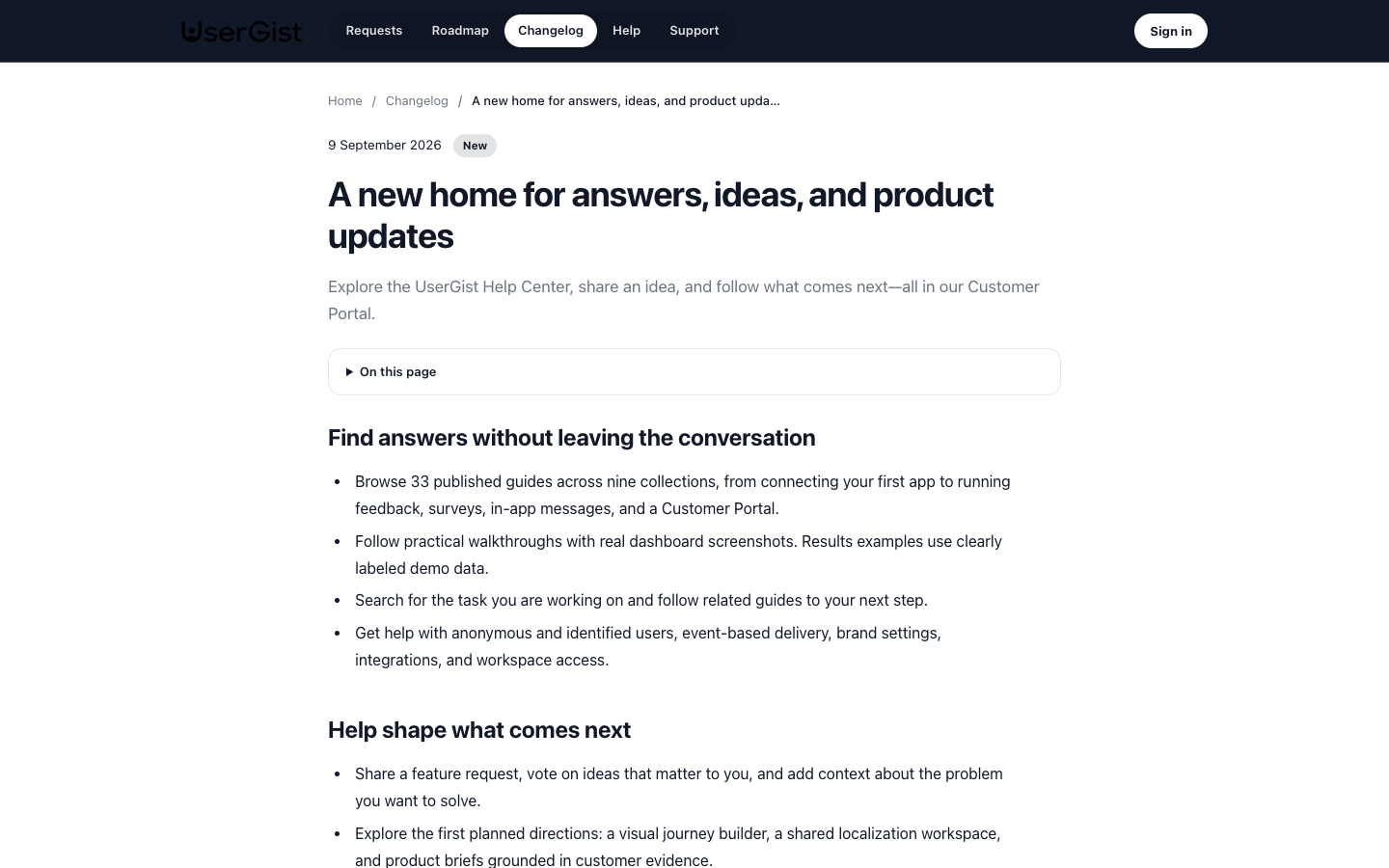
After publication, edits remain in the draft until you choose Publish changes. Customers continue seeing the previous published snapshot meanwhile. The entry's public address stays stable when its title changes.
Link ideas, progress, and the release
Use Related requests and roadmap items to attach relevant records. Public readers see links only to records that are themselves public. Linking a private request or draft roadmap item does not publish it.
Published linked release notes can appear with the corresponding request or roadmap item, so customers can read what changed.
Manage earlier entries
Search and filter the list by publication state. Unpublish removes an entry from public view while retaining its draft. Archive removes it from the active list and portal. Find it with the archived filter and choose Restore as draft to edit it again.
Tell customers about the release
Publishing a changelog entry adds content to the portal. To draw attention to it inside your product, create a separate in-app message or native push campaign, with its own audience, trigger, and delivery setup.